
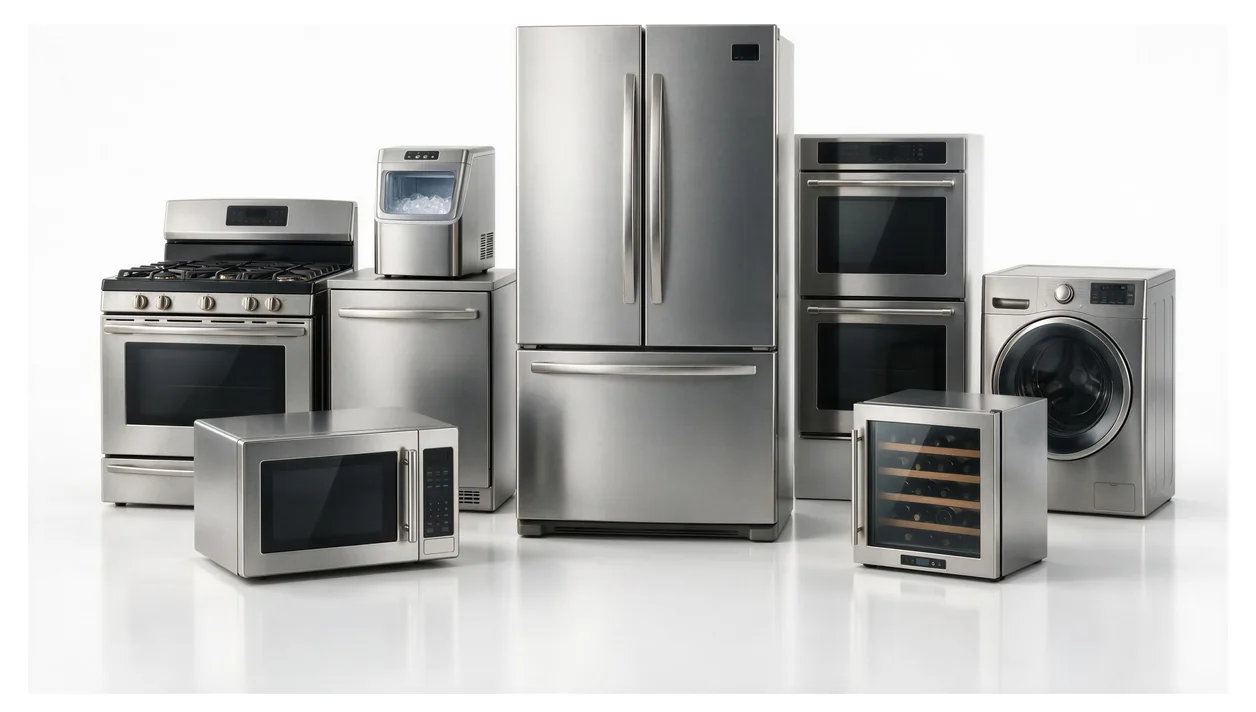
Illustration: a selection of household appliances, not a photograph of a customer repair.
A brand name is a starting point, but it does not identify the appliance that needs service. Before sending a repair request, look for the manufacturer's model and serial label. A clear photograph of that label, together with a short symptom note, is more useful than a guess copied from an online listing.
This guide helps you collect that information without moving an installed appliance or opening a service panel. It does not identify a failed part or replace a diagnosis.
Start with the label you can reach safely
Let the appliance stop and allow cooking surfaces to cool. Look only in places accessible during normal use, such as a door opening or refrigerator compartment. Do not slide out a gas range, pull a dishwasher from its cabinet, lift a stacked dryer, or remove covers to find a number. If the only label is behind or underneath the appliance, leave that check to the technician.
Label positions differ by manufacturer and model. These are starting points, not a promise that every appliance has a tag in the same place:
- Dishwasher: inspect the visible sides of the open door and the front inside edge of the tub. GE lists several possible side-edge positions in its dishwasher label locator.
- Refrigerator: look for a label on an accessible interior wall. Close the door again promptly; do not unload the whole refrigerator just to search.
- Dryer or washer: check the accessible door or lid opening. Do not force a locked washer door. If you cannot see a label, use the manufacturer's locator rather than moving the machine.
- Wall oven or microwave: an accessible door rim is a possible location on some models. A cooktop label may be underneath, where reaching for it is not an appropriate homeowner check.
The Whirlpool model and serial locator illustrates locations by appliance type. For another brand, use that brand's own support site; a Whirlpool diagram is not evidence of where a different manufacturer's label must be.
Record the right information, not just the biggest number
A label may also contain electrical ratings, barcodes and certification markings. Photograph the whole label before copying any text. Keep the value beside the model field separate from the serial field, and preserve every visible letter, digit, dash or suffix. Do not silently change an unclear character to make a search result appear.
The appliance's appearance is not a substitute for its label. An online image that looks identical may belong to a different version. Likewise, a number on a replaced component is not necessarily the appliance model. If your only record is a retailer order, tell the service team where the number came from instead of presenting it as confirmed.
When two appliances are stacked, identify which unit has the problem and photograph its accessible label. If you can only reach the washer label but the dryer is failing, say so. Do not unstack them to complete an intake form.
A three-photo check before you send
- One context photo: show the appliance and its visible controls so the recipient can tell which unit the label belongs to. Keep people, mail and household documents out of the frame.
- One complete label photo: keep the phone reasonably square to the label, tap to focus, and change the light angle if glare hides characters. Include the label edges rather than cropping immediately to one number.
- One closer photo if needed: zoom into the saved image and check that both fields remain readable. If they do not, take another picture instead of relying on an automatic text transcription.
Share serial numbers privately with the service provider, not in a public review or social post. If a label is worn, record only what you can read and mark the missing characters as unknown. A technician can decide what additional identification is needed; you do not need to invent the rest.
Use this short service note
Collect the details below in one message. Leave unavailable information blank rather than delaying a request just to find a label.
- Appliance and brand: ______
- Model, exactly as printed: ______
- Serial, shared privately: ______
- Where the number came from: appliance label / purchase record / uncertain
- What happens, and when: ______
- Visible error message, if already present: ______
- Access limitation: stacked / built-in / locked door / label inaccessible / none
For example, a useful symptom description is: "The wash cycle stops before the final spin; the display already showed a code, which I photographed." This is an illustrative note, not a customer case. There is no need to restart a faulty appliance to produce evidence or try to reproduce a leak for a video.
What happens if the label is missing?
Check records you already have, such as a registration confirmation, a photograph taken at installation or the purchase paperwork. Treat an unconfirmed number as a lead, not proof. For a confirmed Whirlpool model, the official manuals and literature search can help you retrieve the matching documents. Avoid selecting a manual solely because its cover photo looks familiar.
If no reliable number is available, request service with the brand, appliance type and symptoms, and explain that identification is incomplete. A clear label can help preparation, but it does not guarantee that a replacement part is available or that a repair can be completed in one visit.
For ApplianceGo, check your ZIP in the booking form before arranging a visit. Coverage is determined by the ZIPs the booking system currently accepts. The model number helps identify the product; appointment availability is confirmed separately.
Editorial note: this AI-assisted guide was prepared for ApplianceGo using the manufacturer resources linked above, checked September 30, 2026. It is not a technician inspection, a model-specific repair procedure or a report of a customer job.
